







Contact us today, get reply tomorrow or even sooner

Please pay attention to the email with the suffix “@fumixgo.com”

Your information will be kept strictly confidential.
This site is protected by reCAPTCHA and the Google Privacy Policy and Terms of Service apply.

Allow file type: pdf, jpg, png (less than 20M)

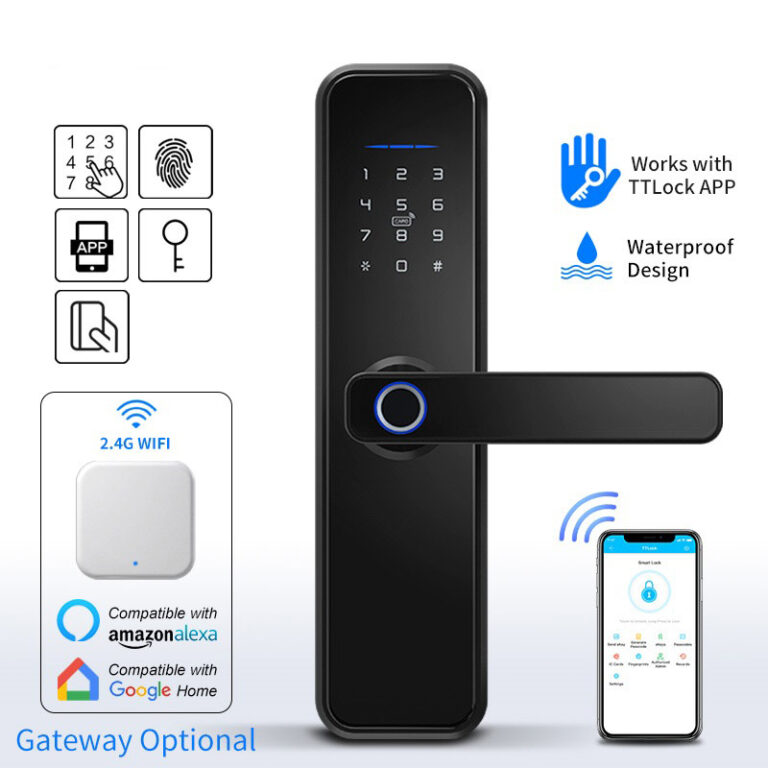
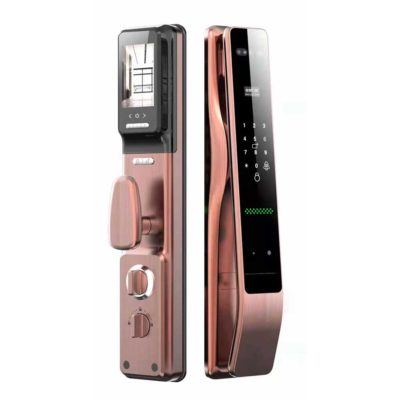
Hot Selling WIFI Smart Lock

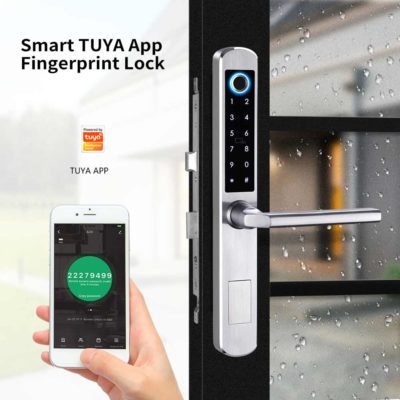
WIFl Enabled Smart Lock for Sliding Door
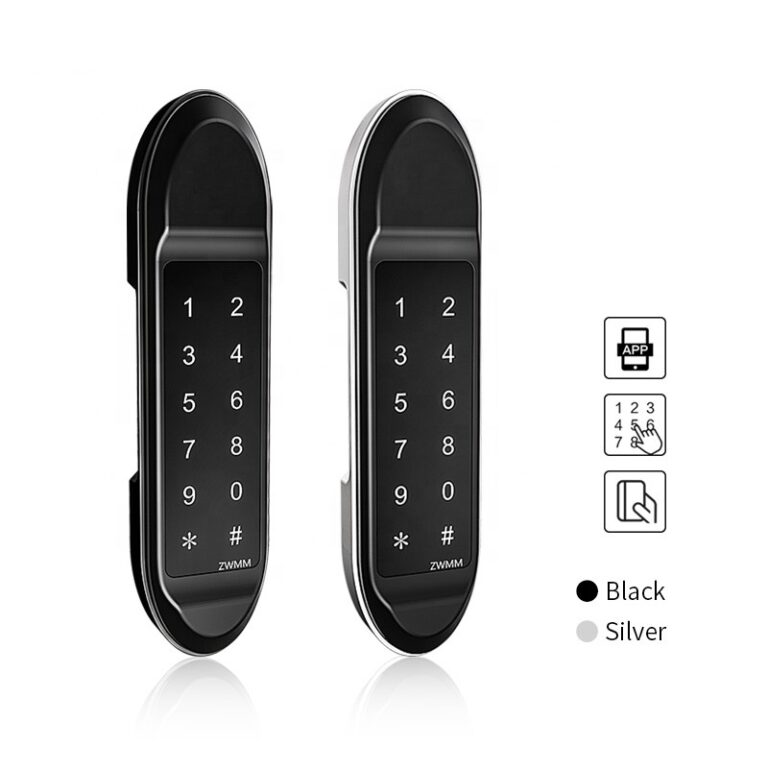
WlFl Smart Lock with Keypad
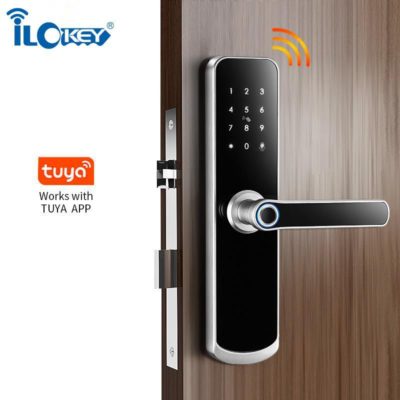
WlFl Door Lock with Camera

Ilockey- WIFI Smart Lock Supplier

Step To Custom Keyless Hotel Door Lock System

WIFI stays at sleeping model default, wake up by touch the keypad appointed No.,

Hot Selling RFID Hotel Door Lock

Step To Custom WIFI Smart Lock System

Initial proposal

We will provide you initial solution proposal according to customer request for the property management.

Samples

After the customer agrees to our initial proposal, we will provide the corresponding samples to the customer for confirming.

Production

After the customers confirm the sample, we will arrange the mass production according to the sample.

QC and testing

All of the Tuya smart locks must be tested the basic functions and also random the aging test.

Package

Packing tuya smart door lock according to customer’s requirement, including color box, label,carton box and pallet.

Main Features of Bluetooth Door Lock

Tuya App/Tuya smart home App directly control

Through Tuya smart App, you can generate a permanent password, time-limited password, temporary password, dynamic password (within 5 minutes), cyclic password and Tuya App directly unlock the smart locks.

Fingerprint Unlocking

360 degree fingerprint recognition, 0.3s recognition, fast and stable, subverting your opening experience;

Virtual Password Unlocking

Random digits can be added before or after the correct password to unlock the smart door lock when you enter the correct password continuously. For example, password: 123456, enter 012345678 can also unlock.

Mifare card or Bracelet

Mifare card is another option to unlock the lock, to make up for the shortcomings of some people who cannot register fingerprints, suitable for the elderly and children.

Real Time Records and Alarm

Hijack alarm, doorbell alarm, door open logs that the APP will message you, and APP login all account can receive timely notification.

Battery Volume Display

You can see the battery volume on the Tuya App, it will remind you to replace the battery timely before the batteries are running out.

English Operating System and Voice Guidance

The voice will guide you on how to add users of fingerprints, passwords, and cards, and how to delete fingerprints, passwords, and cards, make your operation becomes easy.

Free Passage Mode

When you’re in a party or know that there will be people in and out of the room frequently, you can set your smart locks to free passage mode.

Smart LED Panel

Touch screen keypad, you can see clear numbers at night and guide your operation.

Lift Up for Double Lock

Just lift up the handle from private lock to double-lock mode, press the handle down to open the door. more security and perfect using smart door lock experience.

Mechanical Key And USB Port As Backup

If the batteries are dead, you can also use a mechanical key or a power bank to supply the power to wake up the smart door lock.

Wide Range Mortises For Option

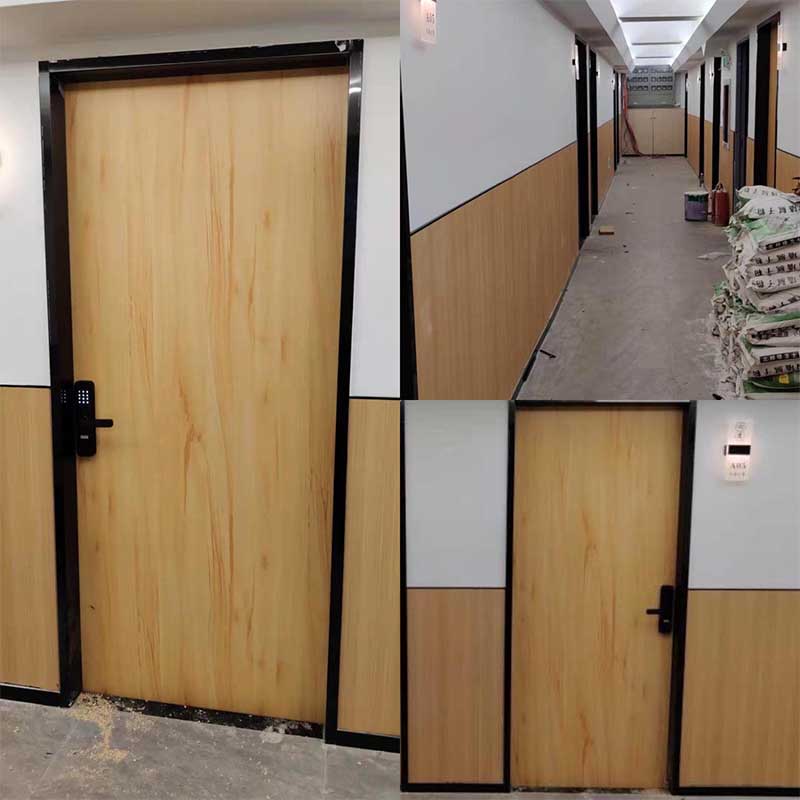
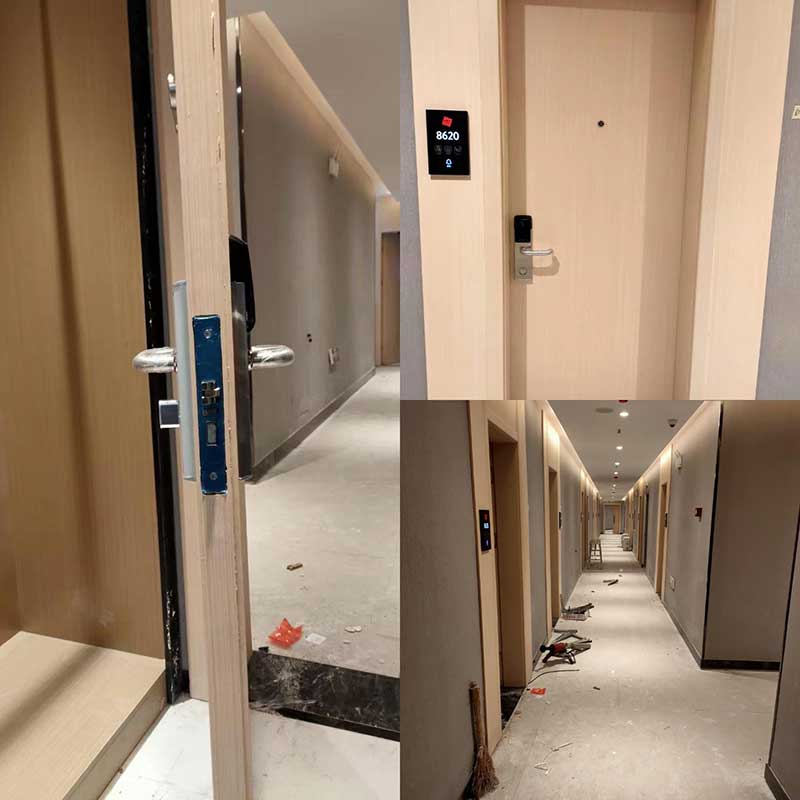
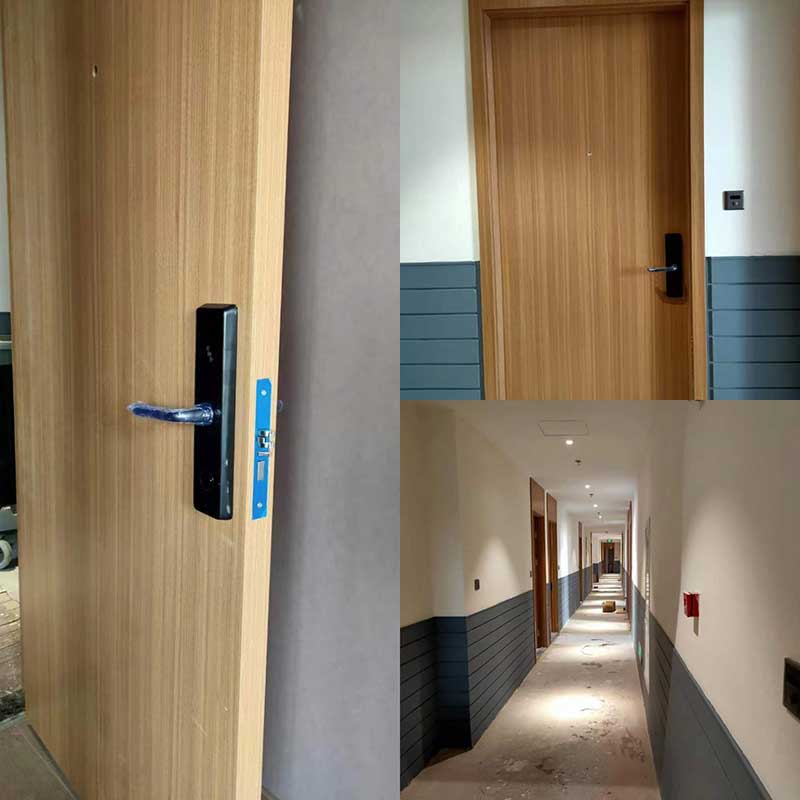
No matter adjustable single latch, deadbolt or ANSI, European standard mortises, or even double sides rim lock, suitable for steel wooden, UPVC, composite door material, etc.

WIFI Smart Lock Manufacturers FAQ

How can I know what type lock fitting for the door?

Please take photos about your lock installed on the door if it is old project, if it is new door you can ask us for sample to drilling the hole according to our locks.

Have reverse side handle?

Yes, all of the smart door locks can be reversed.please follow the manual and it is simple to operate.

What can I do if the power is dead?

There is external power supply interface under the bottom of the lock, that you can charge it by power bank when the batteries run off. Or you can use mechanical key to unlock.

Can those smart locks be put on the street? We have a frost in winter to-30?

Not exactly, you need to put a caster on the lock to protect the fingerprint sensor, that will be much better, the working temperature is from -25–55 degrees.

Is there any design compatible with door aluminum?

Yes, the A210 smart door lock is perfect match for aluminum door.

Whats maximum of door thickness?

The door is 40 mm and works perfect, The maximum of door thickness could be up to 70 mm.

Can I print my logo on the tuya smart lock and cards ? Is there any MOQ request?

Yes, surely we can provide you logo print and package as well, the MOQ is 100 pcs.

How many cards and key included in the package?

There are 2 pcs keys and 2 pcs mini cards inside of the package.

WIFI Smart Lock – Definitive Guide

By installing a built-in wireless communication module, a stand-alone electronic lock can be transformed into a smart door lock. The common wireless communication protocols include Bluetooth, ZigBee, WiFi, NB-IoT, etc, and Bluetooth is the mainstream. However, more and more smart door locks are expected to support the transmission of larger files such as pictures and videos, WiFi with fast speed and wide coverage is welcomed by developers.

A WIFI smart lock is an electronic lock with a built-in WIFI module, it consists of an intelligent monitor and an electronic lock. By connecting WIFI, WIFI smart lock allows you to lock and unlock your door from your Android or iOS devices when you’re not home.

It can support many great functions, including remote control, user management, fingerprint management, password management, message management, card management, setting and deleting individual users, security Alarm.

Wide coverage

Normally, the Bluetooth technology covers only about 15 meters, but WIFI communication distance can reach 305m in an open are and 76-122m in a closed area. Wide coverage allows WIFI suit for wider applications.

Fast speed and high reliability

The highest bandwidth of WIFI technology is 11Mbps. In the case of interference or weak signal, the bandwidth is automatically adjusted to effectively ensure the reliability and stability of the network.

No wiring required

WIFI technology is not restricted by wiring conditions and is very suitable for mobile office users. Nowadays, WIFI technology has expanded from special industries such as inventory control, traditional medical care and management services to a wider range of industries, and has even begun to enter educational institutions and households.

Health and safety

The actual transmitting power of WIFI technology is about 60-70 milliwatts. The transmit power of a mobile phone is about 200 milliwatts to 1 watt, and a handheld walkie-talkie is up to 5 watts. As don’t need to contact the human body directly, the wireless network is safe.

WIFI smart lock is developed in these recent years, and it is welcomed by users very fast because of its following main features.

Multiple unlocking methods

Multiple unlocking methods are available for WIFI smart lock, including password, fingerprint, RFID card, and mobile app. WIFI door lock with camera, you can even open the door with face recognition. A WIFI electronic lock enables you to unlock it remotely.

High security

WIFI smart lock supports the function of security Alarm. When there is an unknown unlocking like lock picking, the smart locking system will alarm automatically. At the same time, it also supports false lock alarms, anti-hijacking fingerprints, anti-test opening alarms, and battery low-voltage alarms.

Advanced Function

By connecting with your management system, your WIFI smart lock will provide you a smart keyless entry system for your hotels or apartments. The functions include user management, fingerprint management, password management, message management, card management, setting and deleting individual users.  There are no integration or third-party dependencies required. Meanwhile, Ilockey provides a mobile access SDK together with dedicated onboarding services to facilitate seamless integration.

Remote Control

The remote control is the biggest selling point, it has captured a large number of users with their great convenience. A hotel or real estate project equipped with WiFi smart door locks often attracts a large number of users with its novel and convenient experience. Obviously, WIFI smart door locks are used by more and more industries.

Different WIFI smart locks have a bit different in their usage, usually, it includes following steps:

  • Set administrator password
  • Add mobile phone
  • Connect the mobile phone to the lock.
  • Control the lock remotely

Here we will use an example to show you how to use the WIFI smart lock step by step.

Set administrator

After installed your WIFI enable smart lock, you need to set an administrator first. Normally, you can press the “*#” key on the bottom to enter the management interface, then the lock system will remind you to input the admin user, enter the default admin code 123456, and press 1 for administrator setting, press 1 to add admin, input administrator info with # confirm.
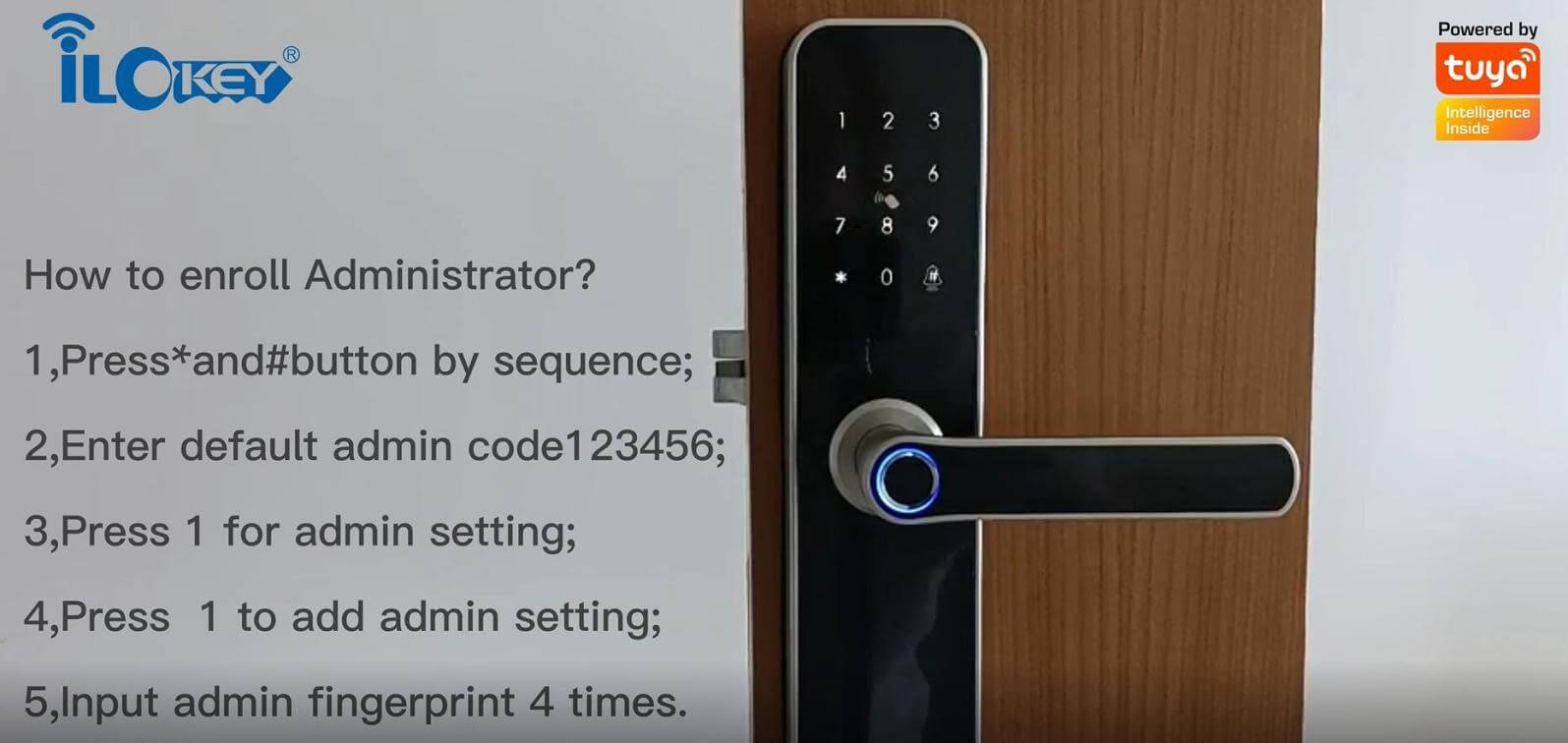
After finish the setting, you can try to unlock the door with the administrator password. Just input the password and press the “#” key or the right bottom, the door will open.

Register account

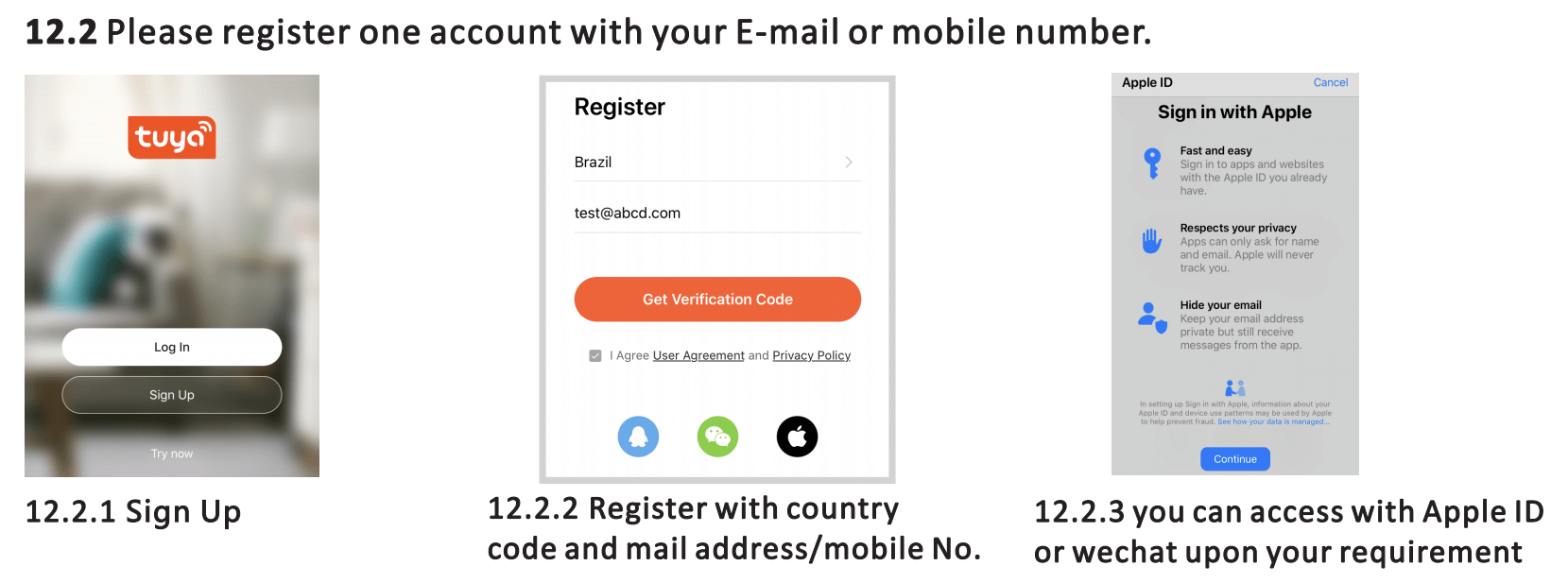
Open the Tuya app for your lock, then use your phone number to register an account.

After you log in to the APP, on the right, you can see “+”, click it and choose to add a device. You need to enter your WIFI name and password in your home.
Connect the Tuya App to the lock

After finish the administrator set, you can start to add your mobile phone to the smart locking system. Press the “*#” key to enter the management interface, then input the administrator info.

Press 1 for administrator setting, press 3 for network setting, and then press 2 for intelligent collection.
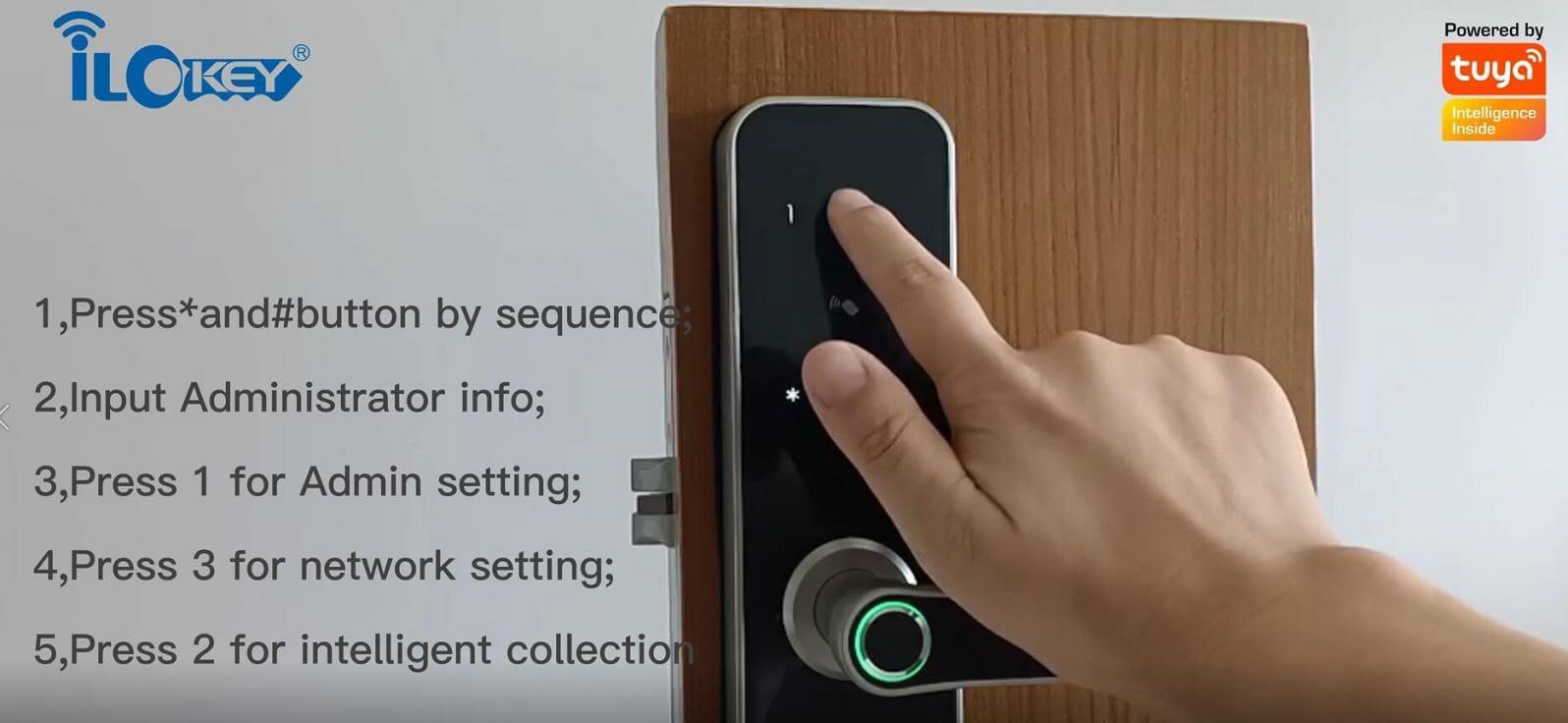
Number “5” will blink rapidly, turn on the Tuya App for setting.
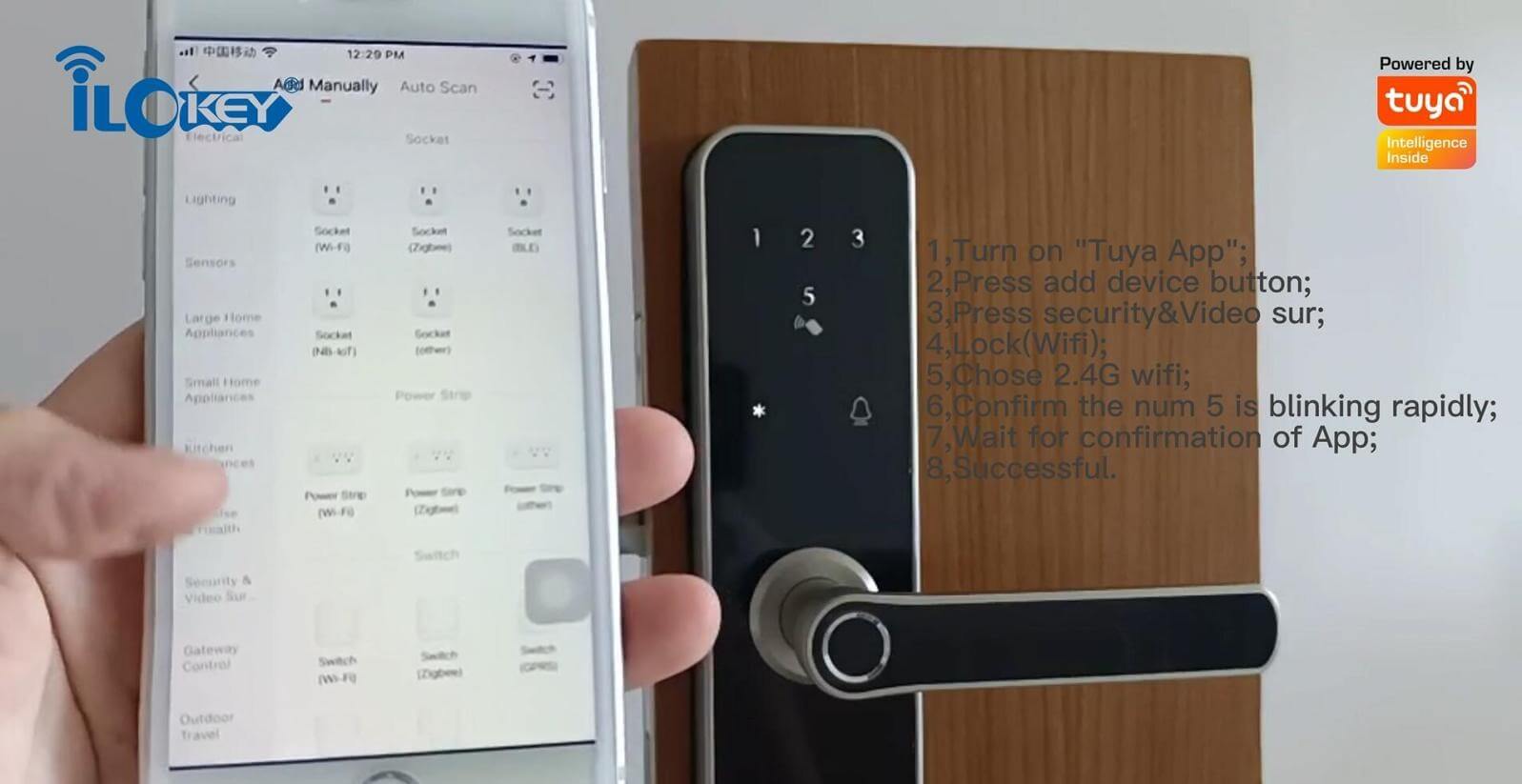
Open the” Tuya App” press add device button, chose security&Video sur, Lock(WiFi) After you log in to the APP, on the right, you can see “+”, click it and choose to add a device. and then enter into WiFi setting step, chose 2.4G WiFi, you need to enter your WIFI name and password in your home, during the configuring process, the Number”5” is blinking until confirmation by Tuya App, then successful adding.

Remote unlock by Tuya App

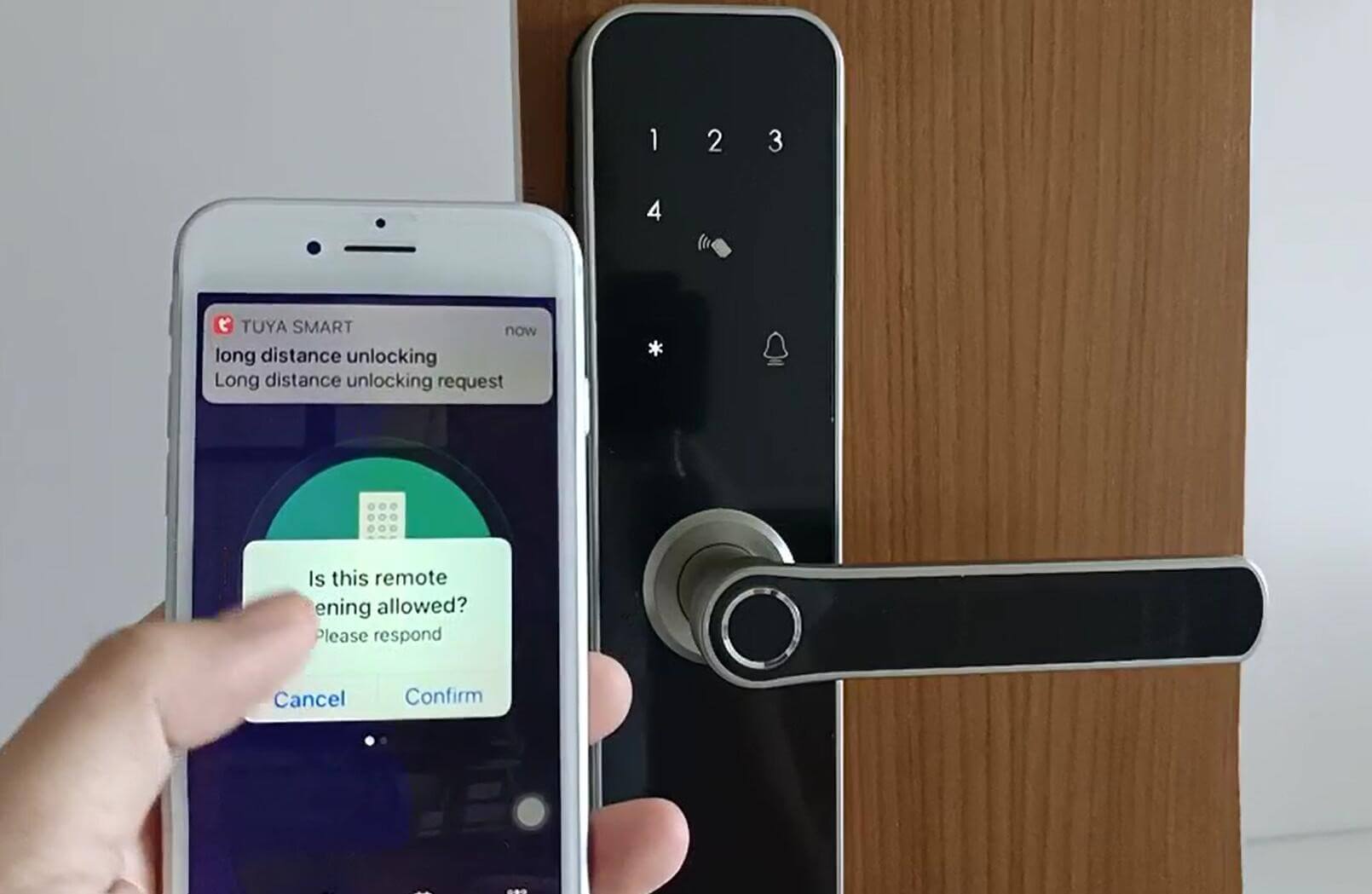
When the visitor press the number 9 and # by sequence, there is one remote unlocking request send to the administrator in the App as the photo, you can press the “click open remotely” to unlock the door.
There is no doubt that WIFI smart lock will be more and more popular in the further, and finally become a basic member in the smart home. At present, this technology is still not mature, most WIFI smart locks have high power consumption. However, it also means great profits if you enter this field now. I think the high power consumption will be solved in not long future.
Contact us today, get reply tomorrow or even sooner

Please pay attention to the email with the suffix “@fumixgo.com”

Your information will be kept strictly confidential.
This site is protected by reCAPTCHA and the Google Privacy Policy and Terms of Service apply.

Allow file type: pdf, jpg, png (less than 20M)